
Infographic using perspective, geometric shapes, custom icons, and a fall color palette all created in Photoshop.


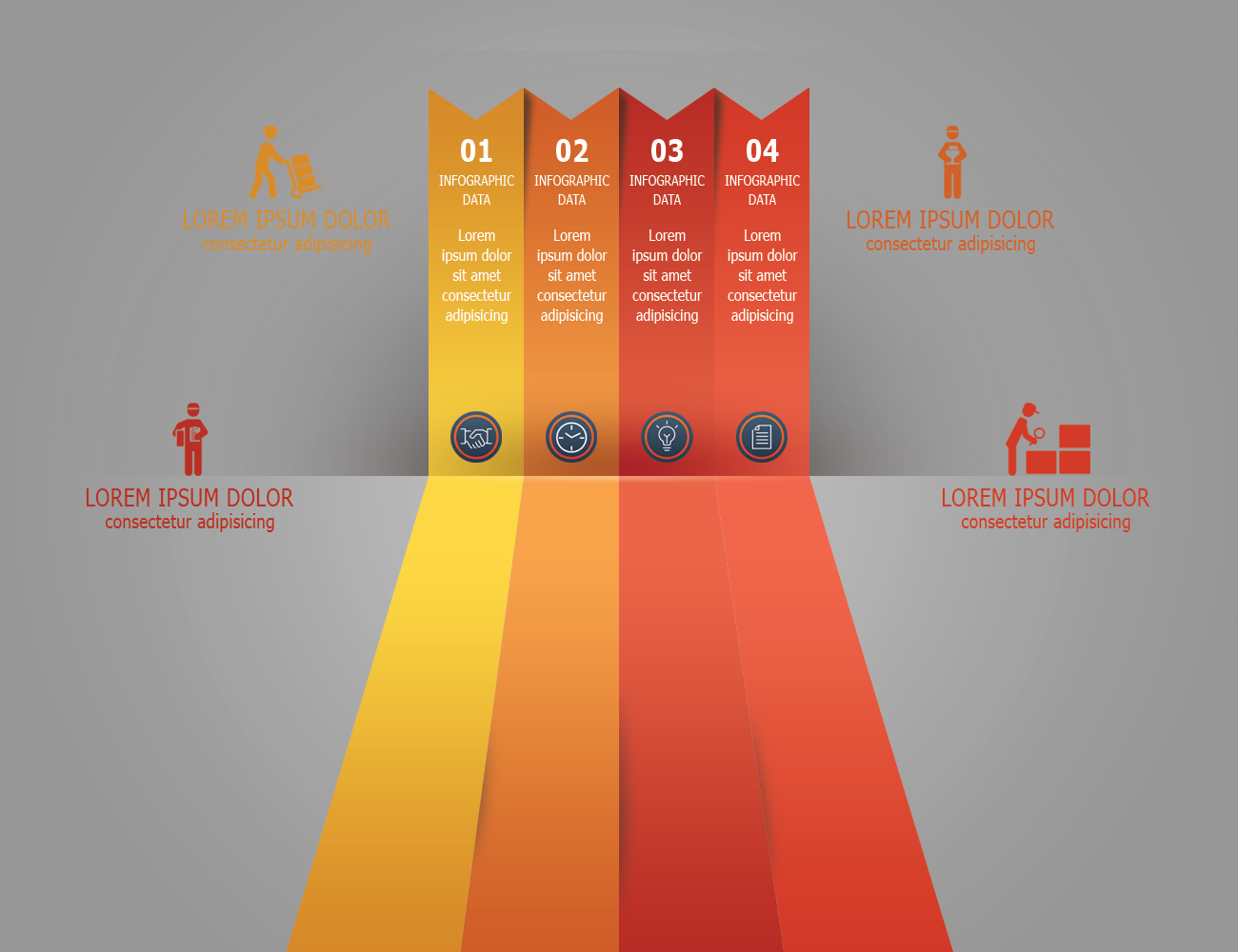
Infographic using perspective, geometric shapes, custom icons, and a fall color palette all created in Photoshop.
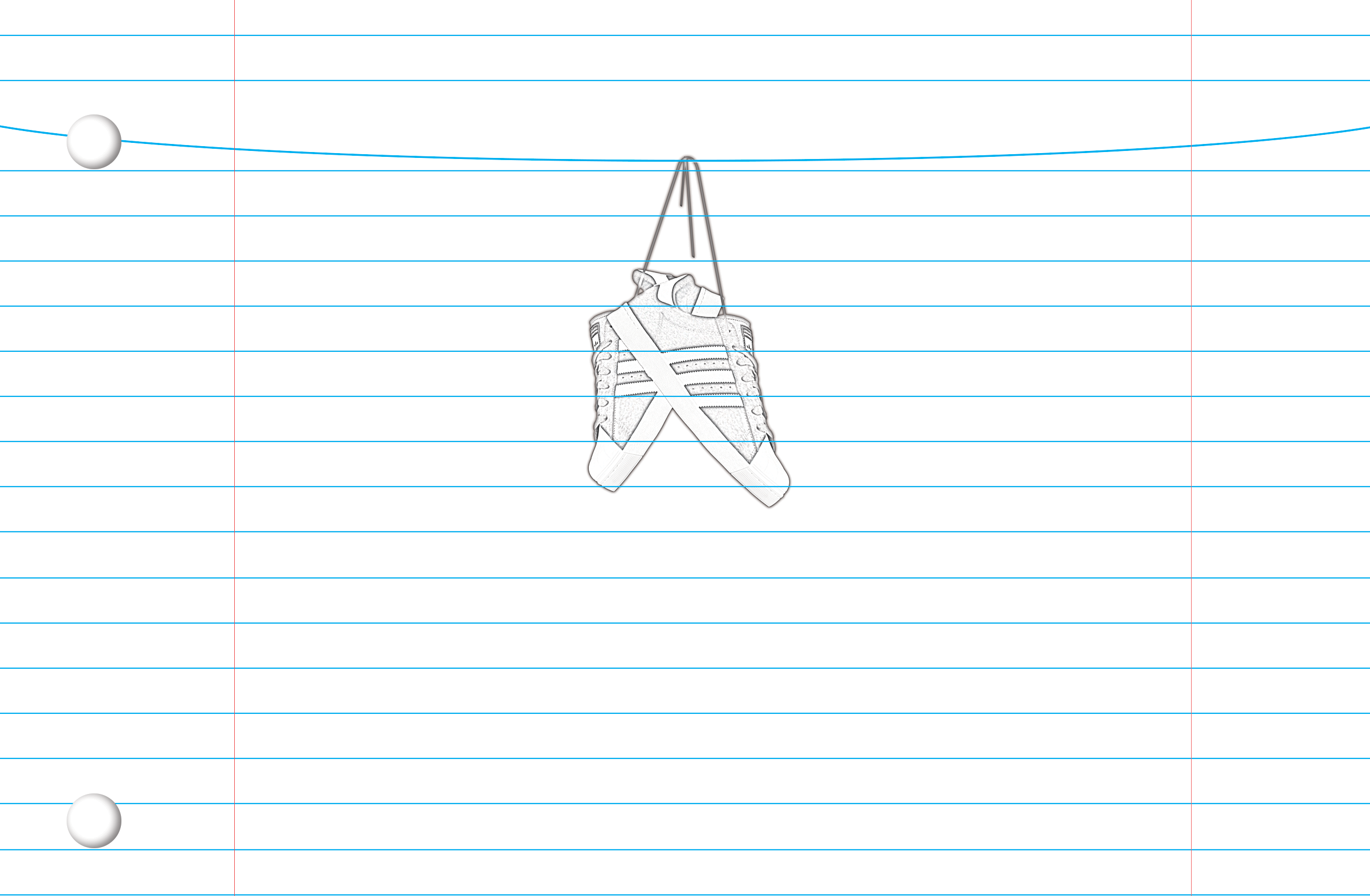

Pencil drawing effect created in Photoshop.
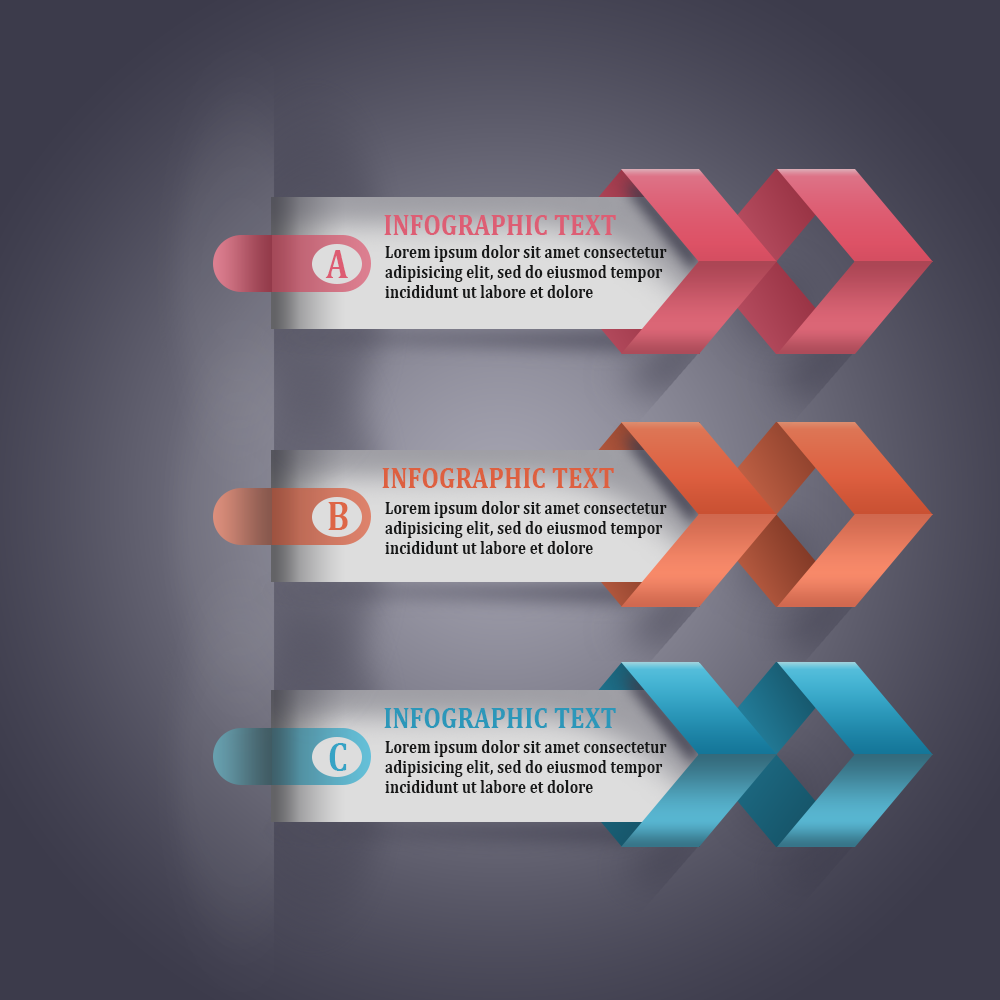

Modern infographic arrows designed 100% in Photoshop using geometric shapes and layer styles. It takes 63 layers to make one arrow, that’s 189 layers plus the background layer.
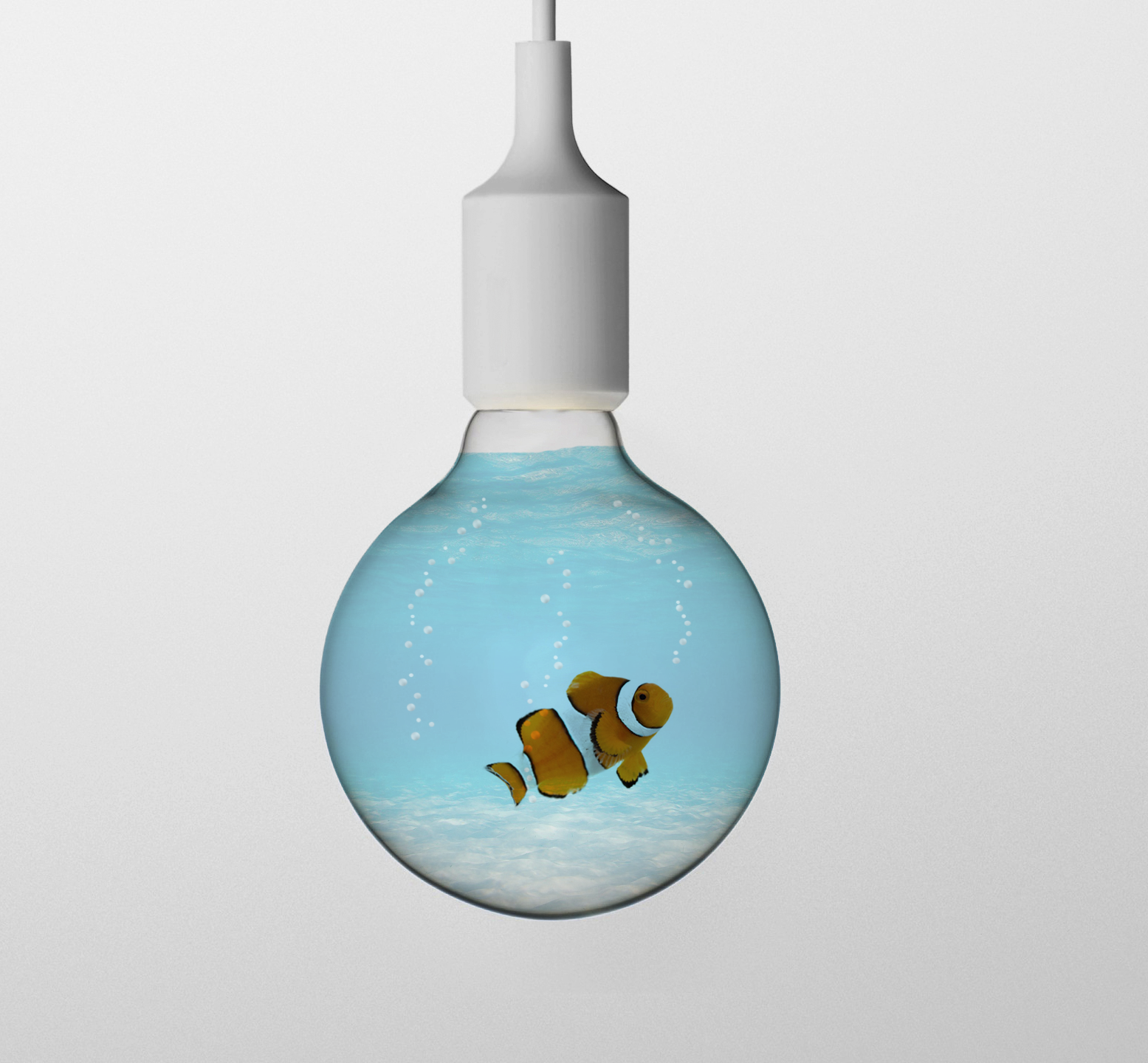

Created in Photoshop using layer masks, blend modes and custom brushes.


Transparent effect created in Photoshop using layer masks, color manipulation and multiple blend modes.



A surprisingly simple effect to create, two separate images carefully blended together using layer masks and different blend modes.
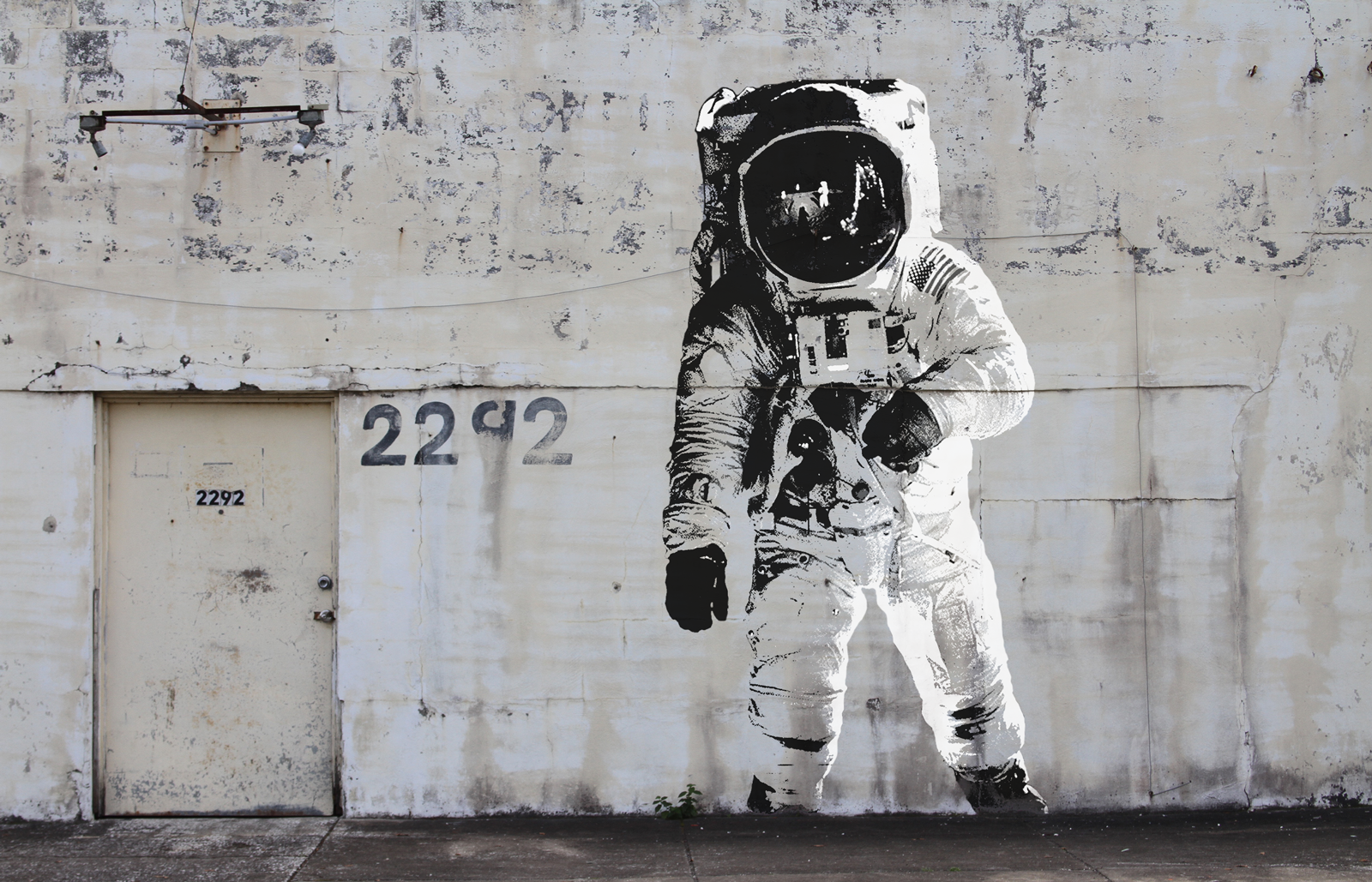

Banksy style created in Photoshop. Desaturate, Posterize, adjust underlying layer, repeat.



A simple but very effective technique using a displacement map. The (before) image is below.

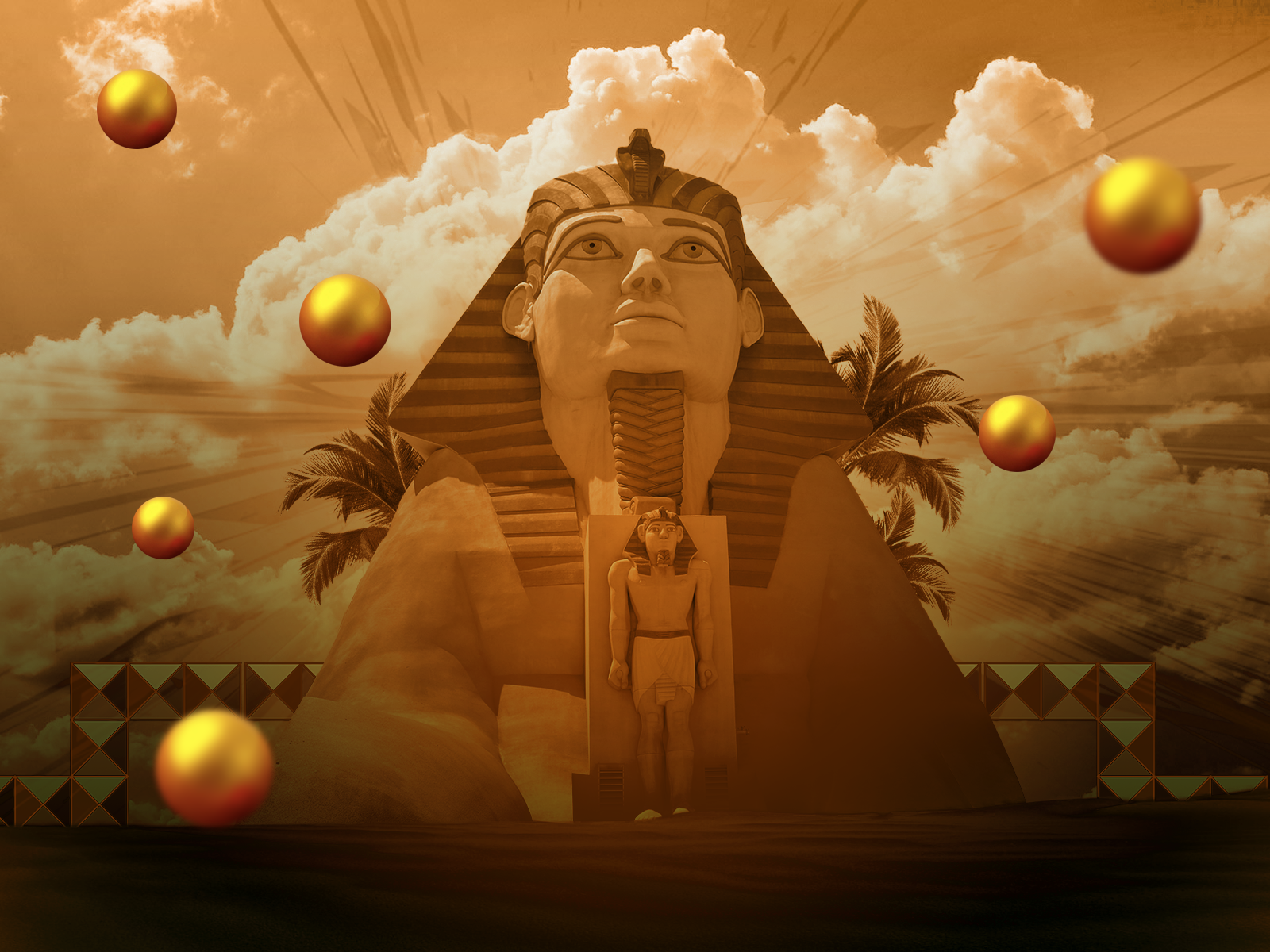

The Sphinx was created in Photoshop with gradients, layers and textures. Block and globes elements are created in Illustrator and arranged in Photoshop.


Vector Gummy Bears created in Adobe Illustrator, imported and arranged in Photoshop. Custom shapes and gummy colors also added in Photoshop.
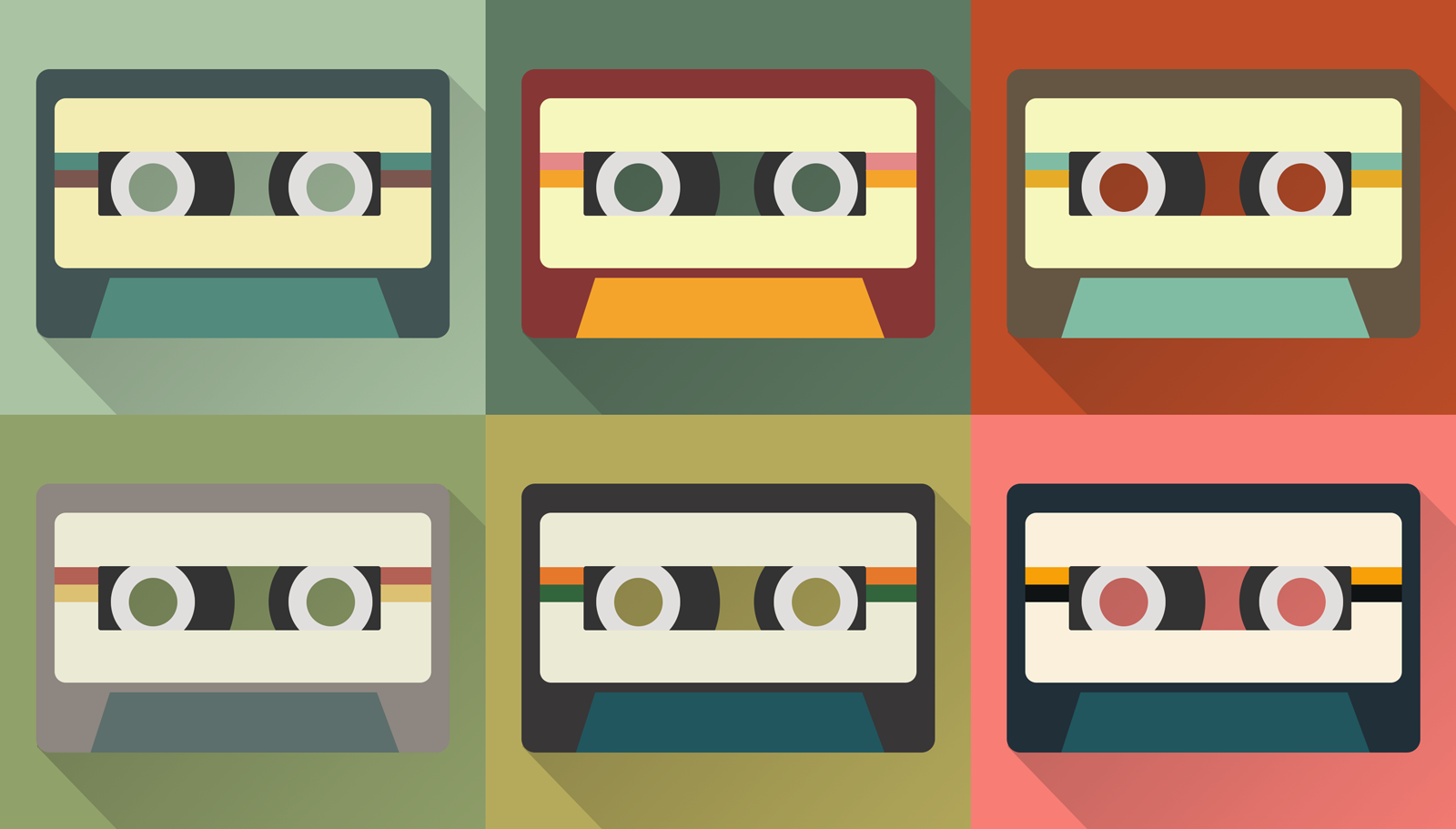

Simple geometric shapes arranged to resemble cassettes. Created and assembled in Photoshop.


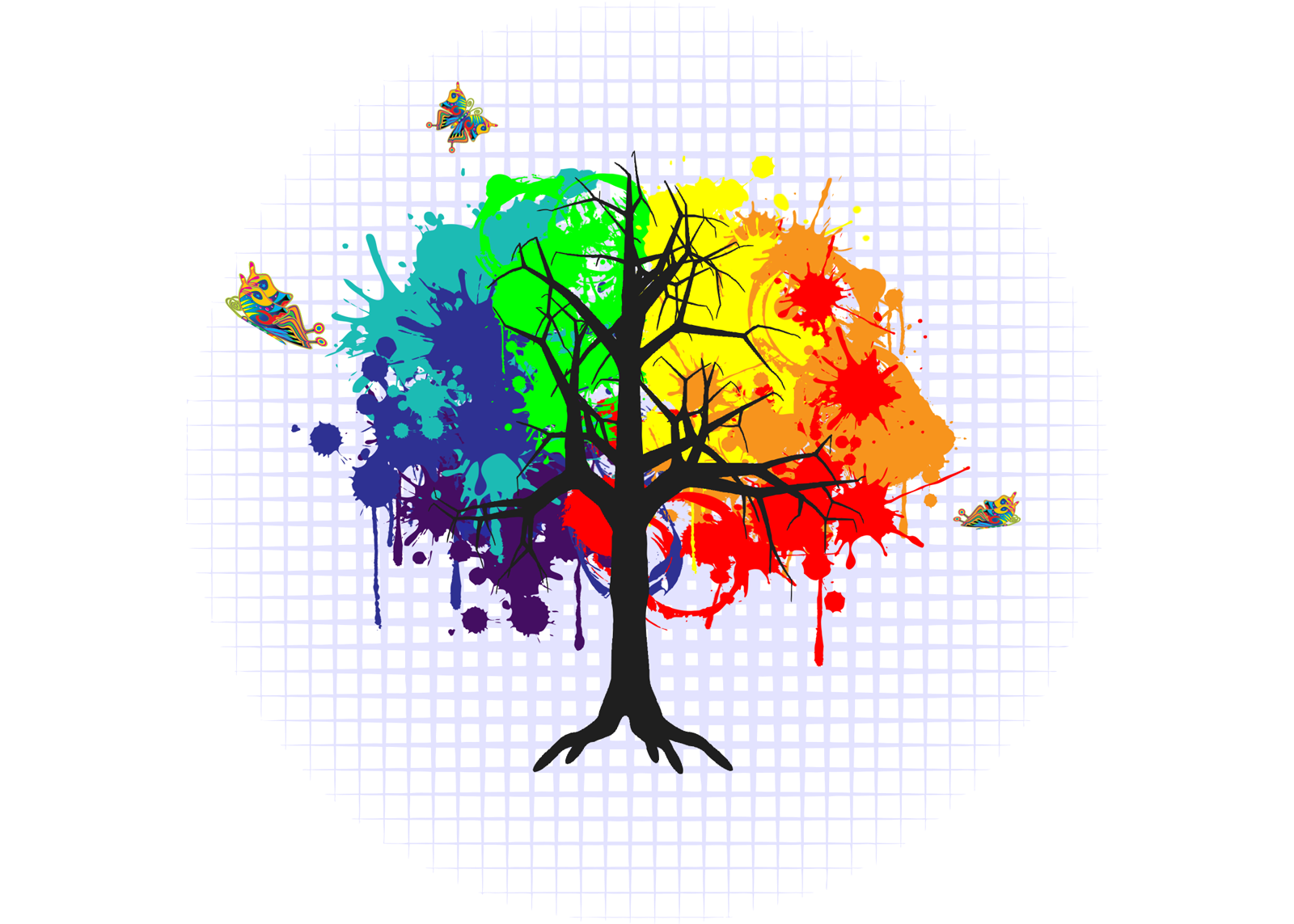

Primary colored splatter brushes created in Illustrator and arranged in Photoshop.
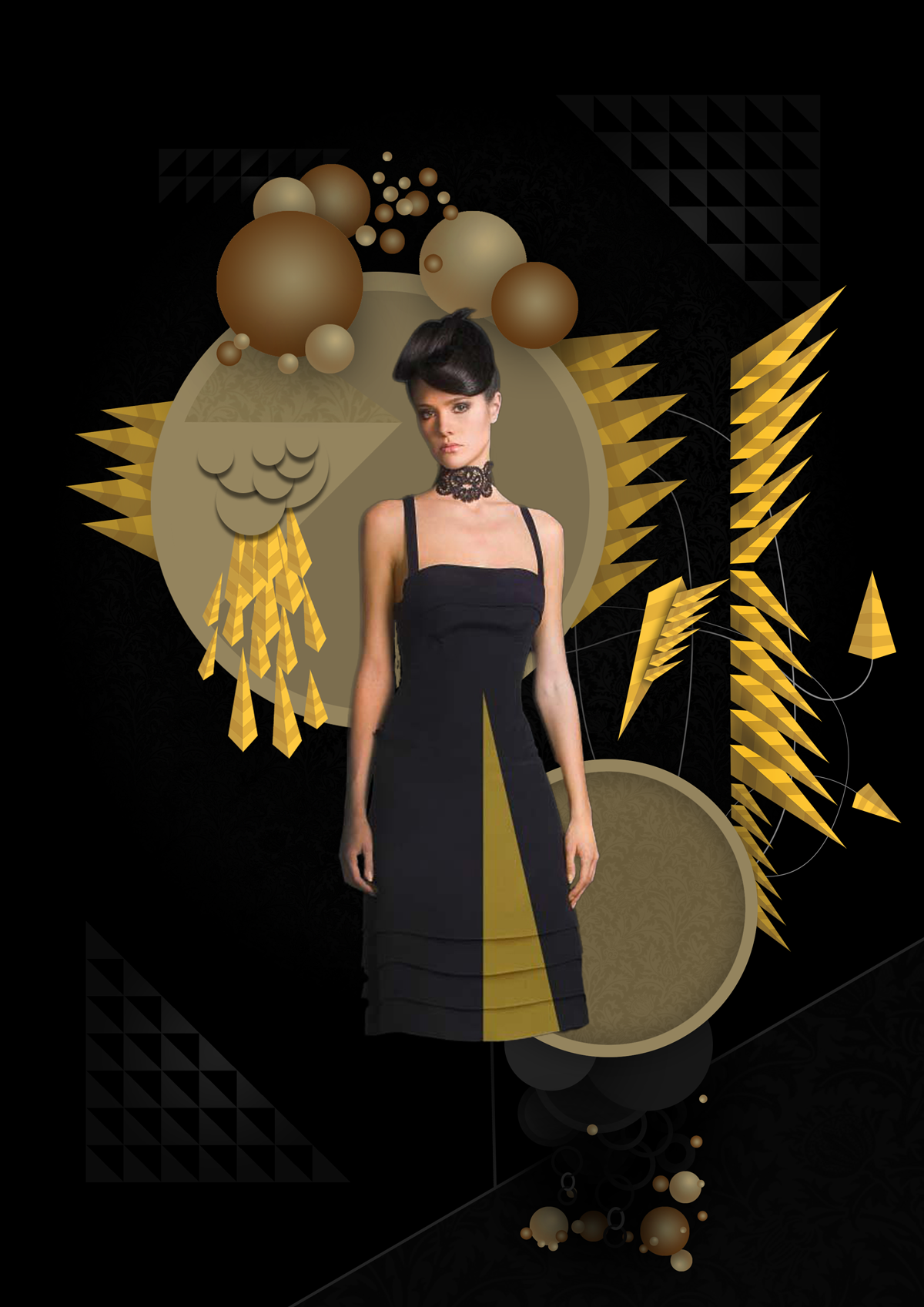

This image was created in Adobe Illustrator and Adobe Photoshop. Geometric shapes were made in Illustrator, imported and arranged in Photoshop, and massive amounts of layer styles added.


If you watched Nickelodeon in the 80’s you will appreciate this. Vector shapes created and pieced together in Photoshop. Check out this video if your feeling nostalgic.


Chrome logo created in Photoshop with multiple gradients, multiple layers, layer masks and a lens flair.

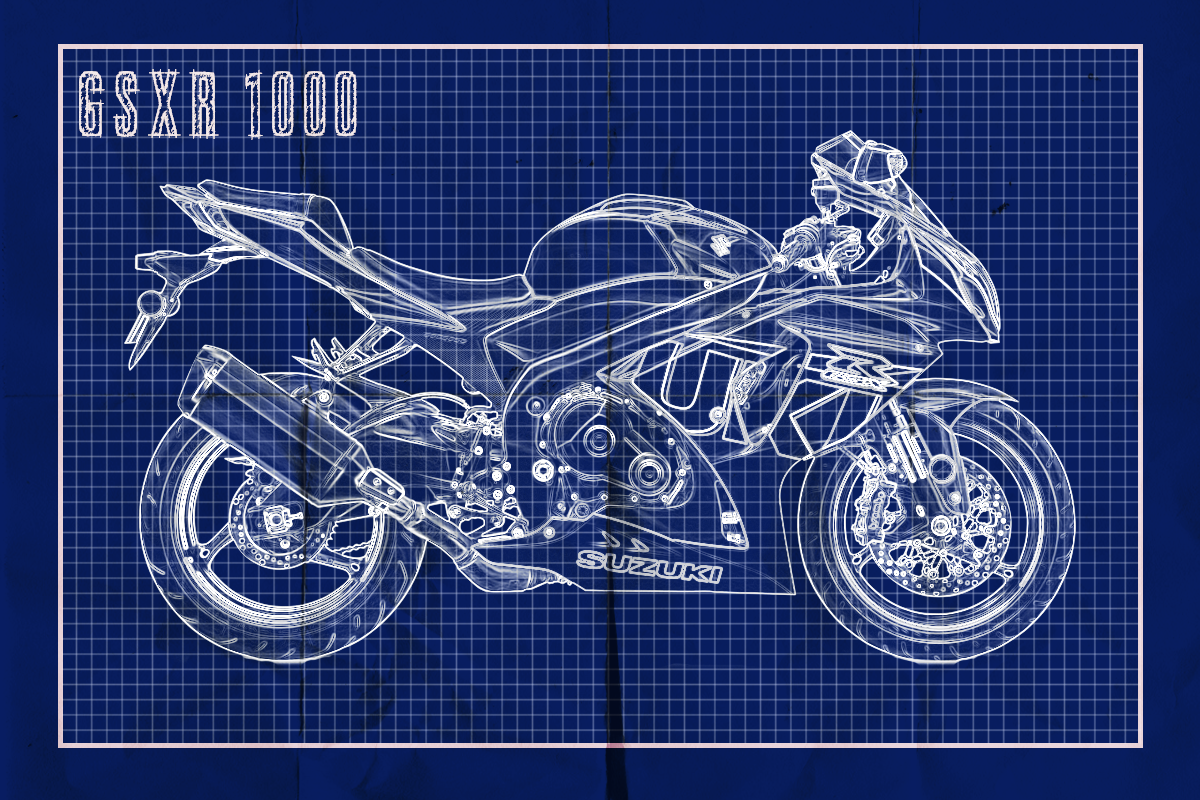

Simple effect in Photoshop using overlays, patterns and hard light.


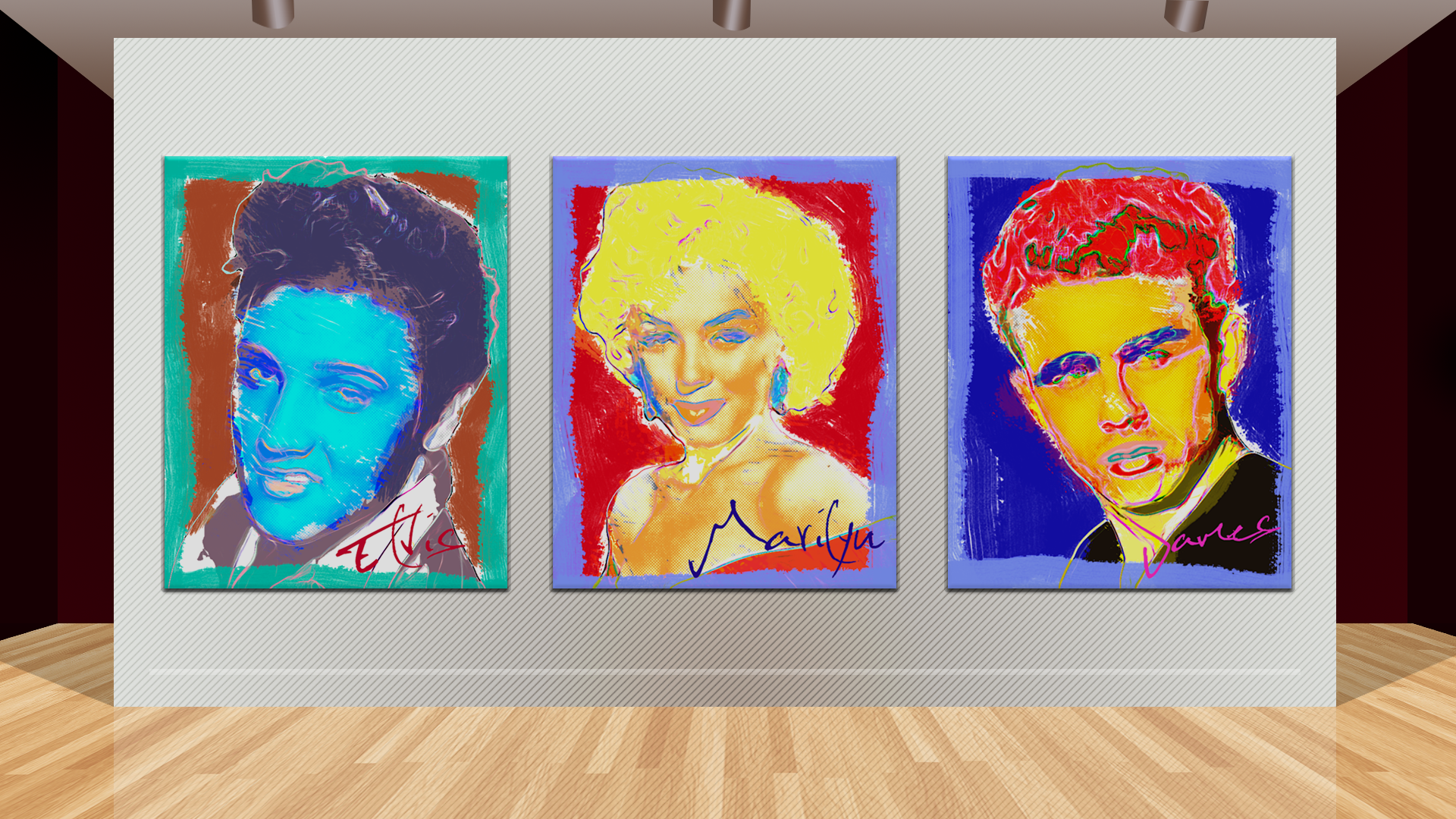

Andrew Warhola aka Andy Warhol styled pictures created in Photoshop using dot halftones, glowing edges, cutouts, masks and “Warhol color pallet”. Scroll down to see more.




Lets see how to disable comments on WordPress website without using plugins. So you have a WordPress website and you don’t want people to comment on it. Or maybe, you just want to disable the comments on some pages/ posts but not all of them. No problem at all, this is a quick and painless tutorial that will show you how to manage comments on your WordPress pages and posts without installing any plugins.
Sign in to your WordPress website, by default you will be taken to your dashboard
In the main menu to the left, you are going to go to (settings>discussion).

This will take you to the discussions settings page.
Uncheck the (Allow people to post comments on new articles).

This will disable the comments on future pages and posts. Please note, these settings may be overridden for individual pages and posts if you wish.
Okay, now lets disable the comments on pages and posts that are already published. The steps are the same for both pages and posts, so I’m going to show you how to edit your comments on your posts and you can repeat the steps for your pages.
Again, we are using the main menu on the left we are going to (posts> all posts) or (pages> all pages). This will take you to your posts page where you can view a quick summary of all your posts.
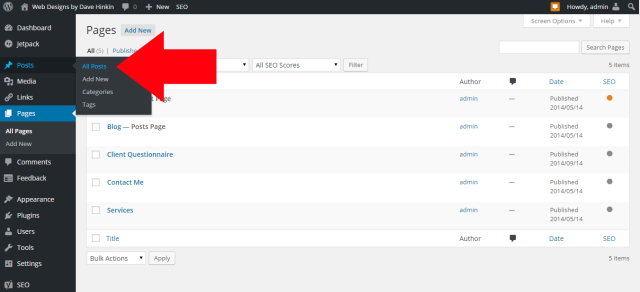
You’re going to select all your posts by checking the box next to (title). When you check the box next to (title), all the boxes next to the titles of your posts should select.

Once all of your posts are selected you’re going to select (edit) from the (bulk actions) menu at the top then click (apply).

Once you are on the bulk edit page, you can fine tune what you want to edit. From here you can exclude posts (or pages) you have selected or edit entire categories. The posts/ pages you are editing will be displayed on the left. Once you are happy with the posts/ pages you have displayed select or you have the categories selected you want to edit, select (do not allow) from the drop down menu next to the comments and click-on update.

Voila! You have successfully disabled comments on your website/ blog. Please note I have enabled comments below so feel free to leave yours below.
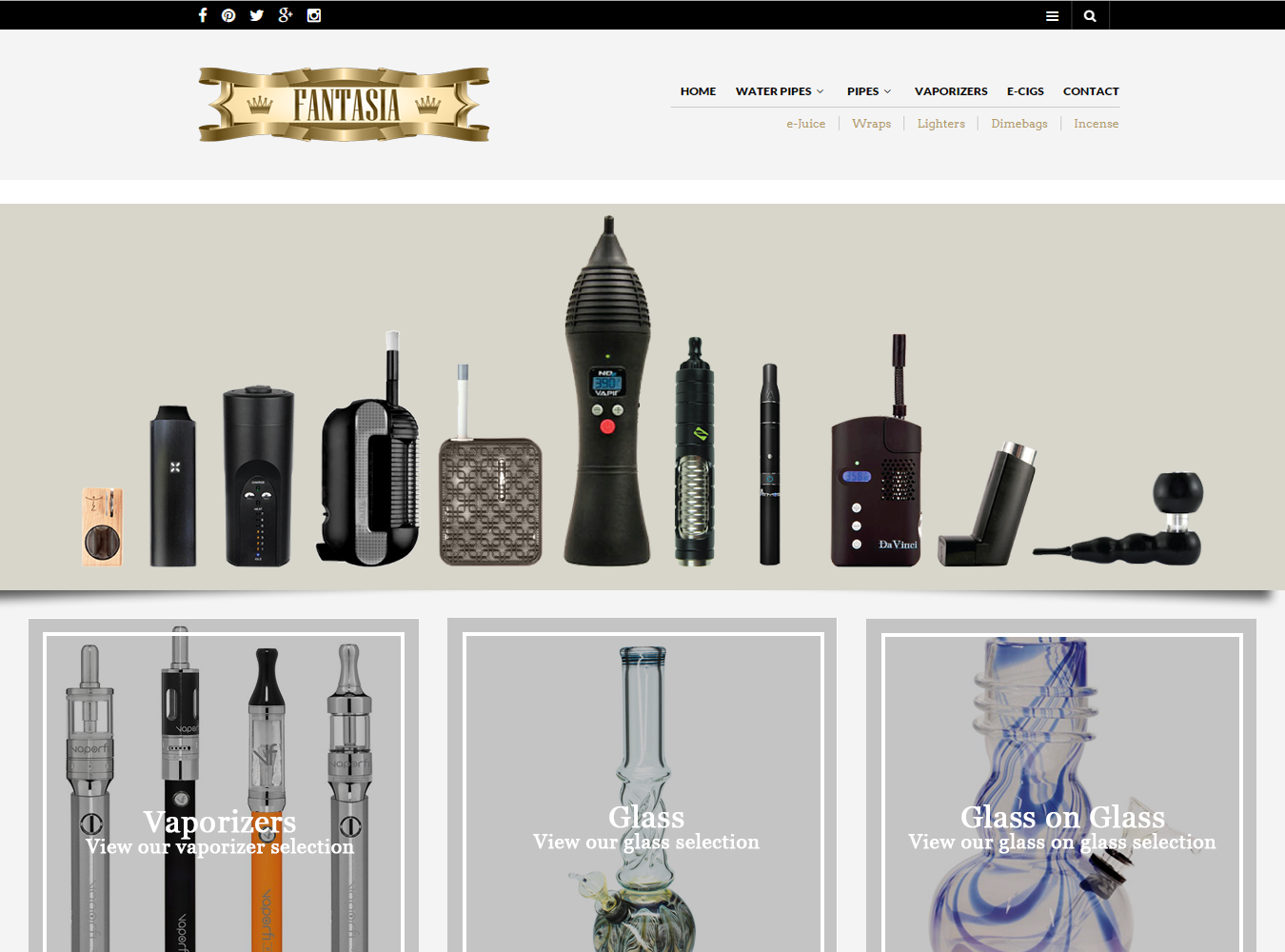

This is a tobacco/ ejuice shop located in Katy Texas.
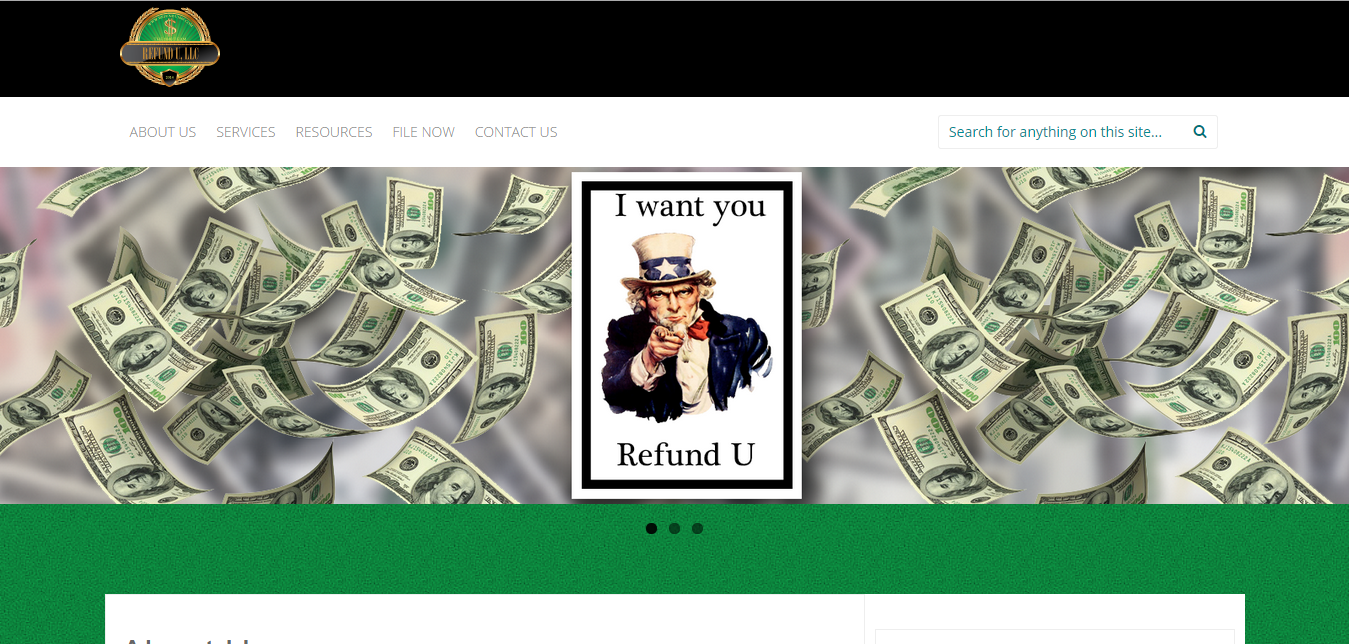

Refund U 1040, LLC is a privately owned accounting and tax preparation company located in south Houston.

This is their primary logo, it was created using Adobe Illustrator.




I created this baby shower invite using Adobe Illustrator and Photoshop. I put the components together in Illustrator and imported and arranged them in Photoshop.
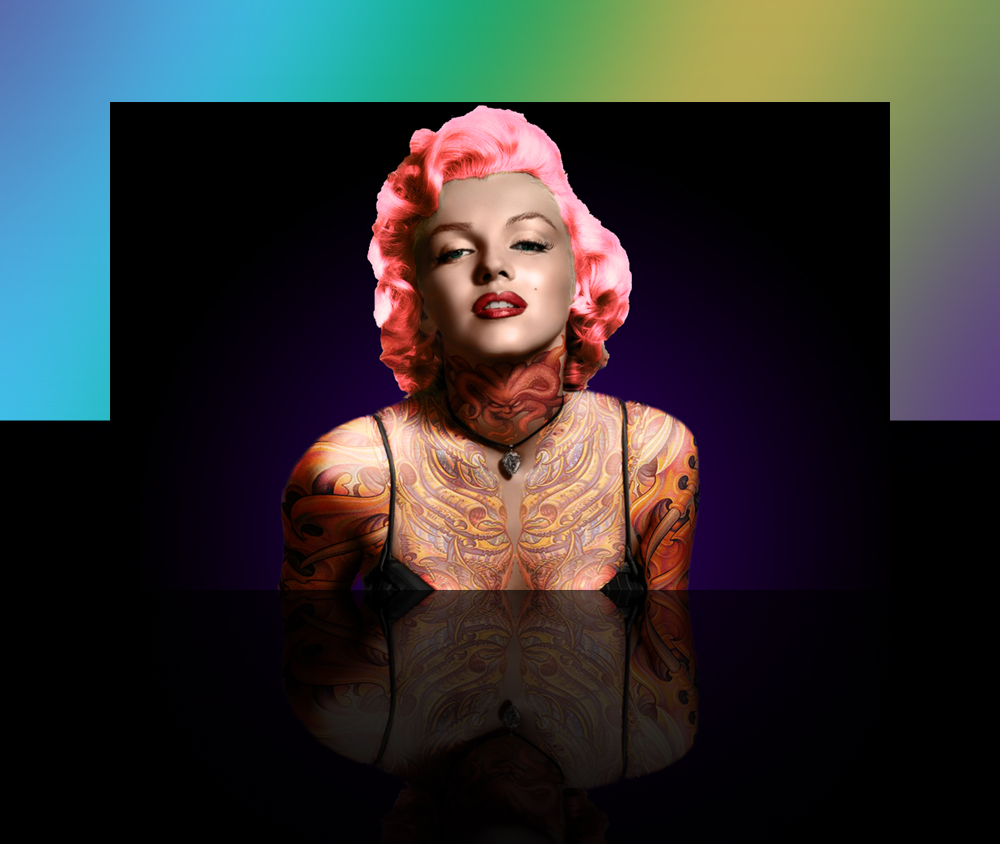

This is what I think Marilyn Monroe would look like if she was alive today. Layers, layer styles and overlays in Photoshop helped create this look.
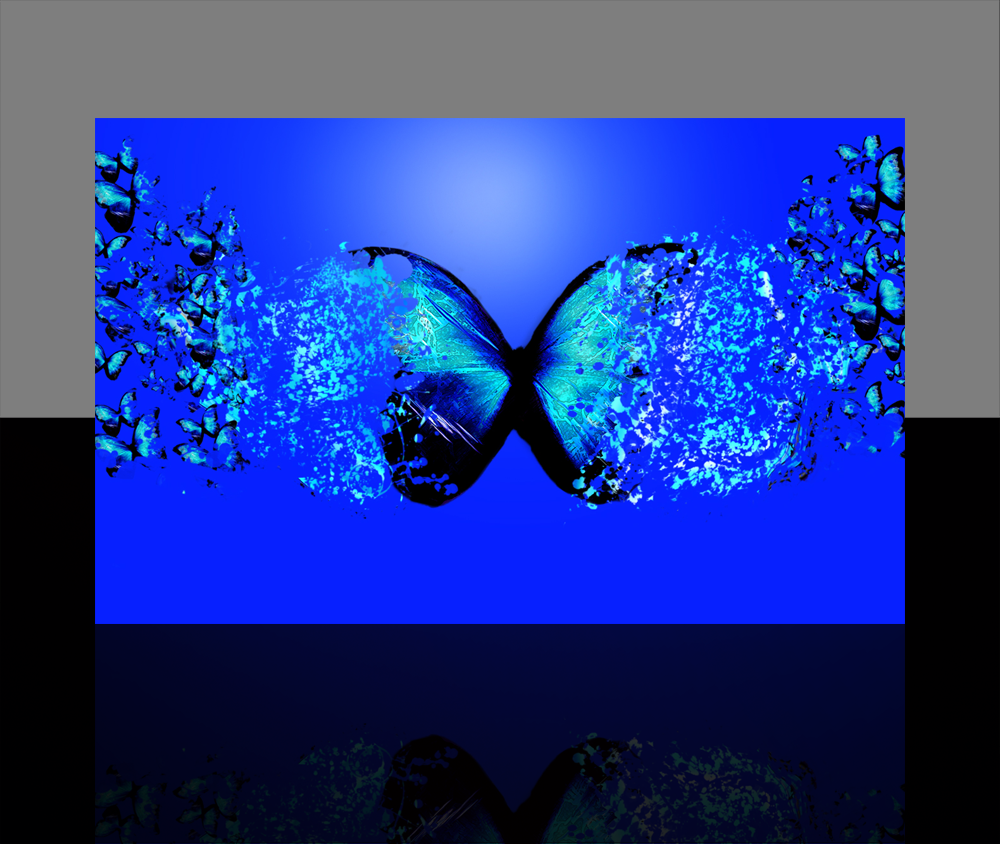

This effect is know as a dispersion effect. It is created using multiple layers and masks in Photoshop.
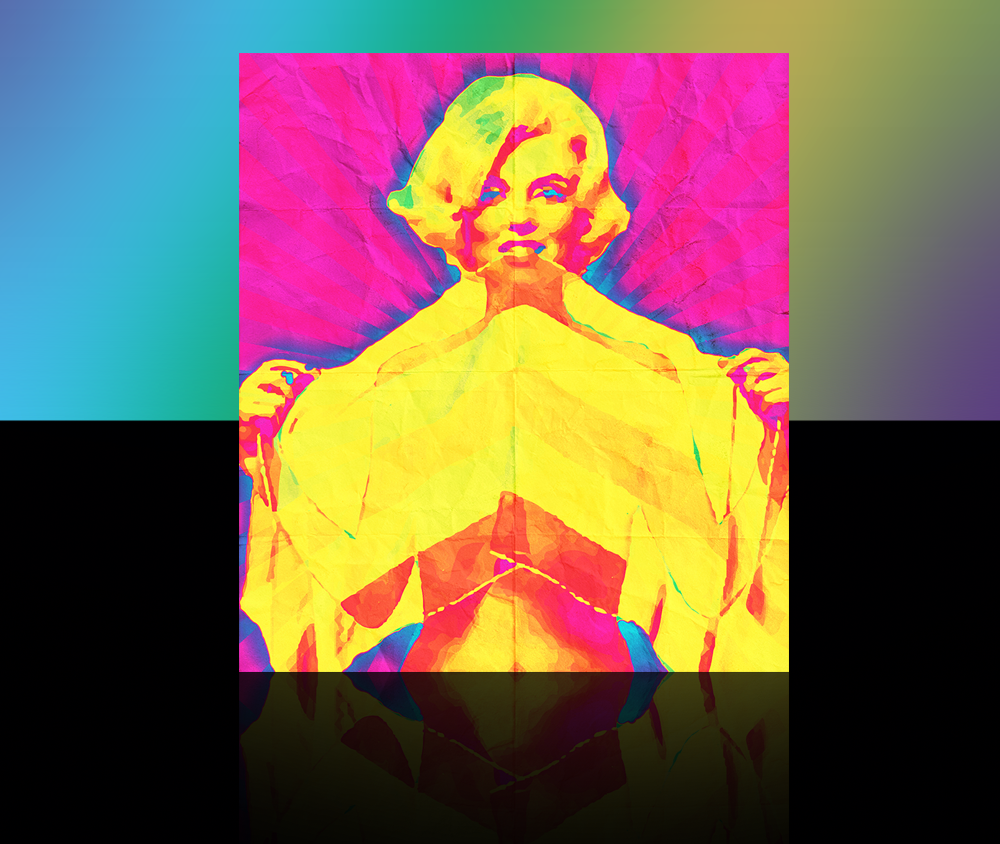

This psychedelic style poster of Marilyn Monroe was created in Photoshop using multiple layers, a gradient overlay and a wrinkled texture overlay.
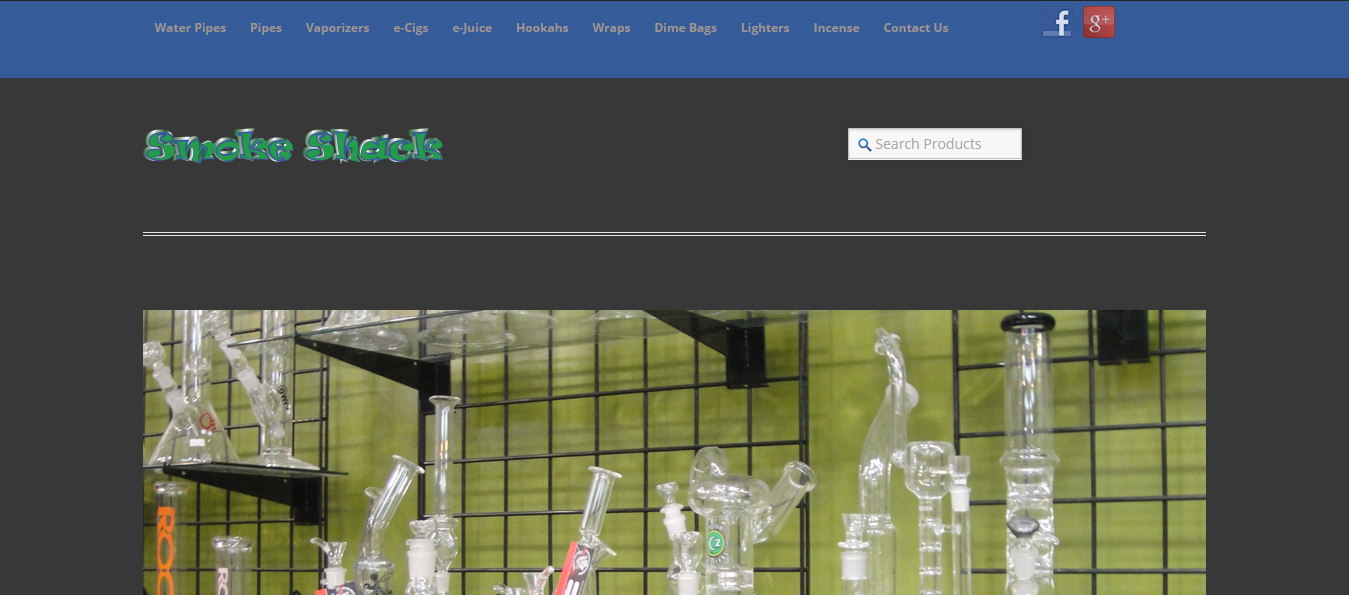

This is a tobacco shop located in Spring/ The Woodlands area.
|
|
|
|
|
|
|
|
|
|
|
|
|
These pricing tables are 100% Responsive and can be used for just about anything. They are made with pure CSS3 and use CSS animations so they will function properly and look awesome on all devices.
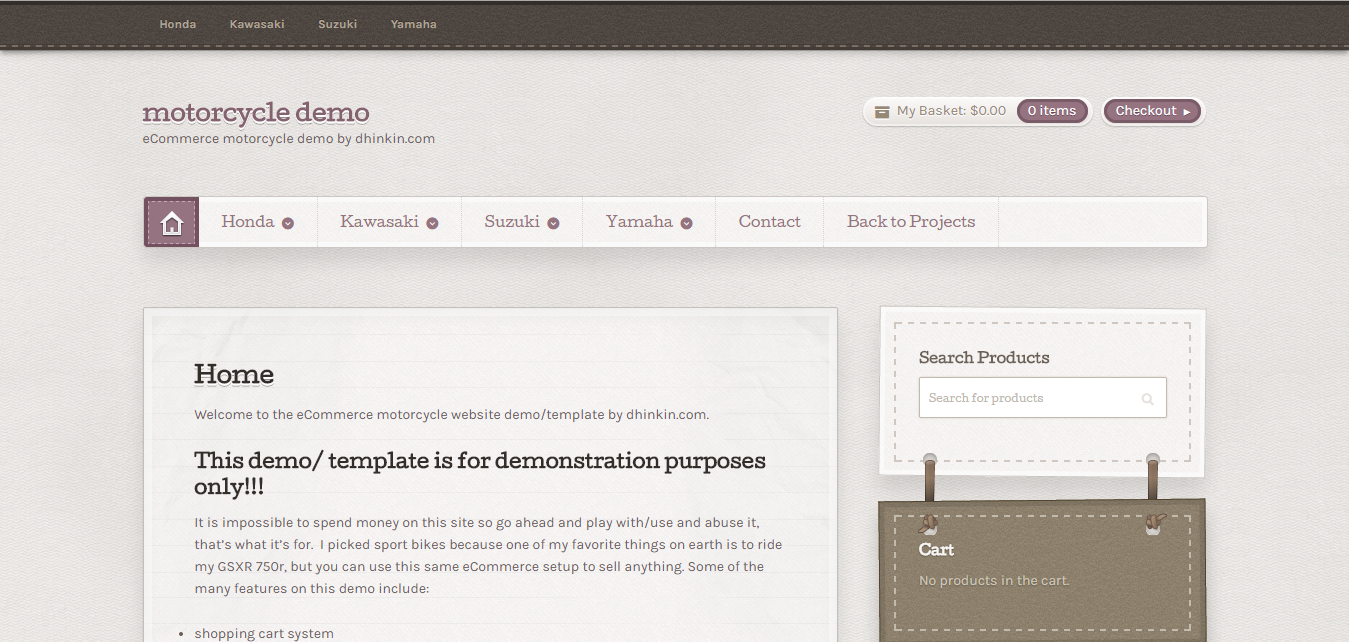

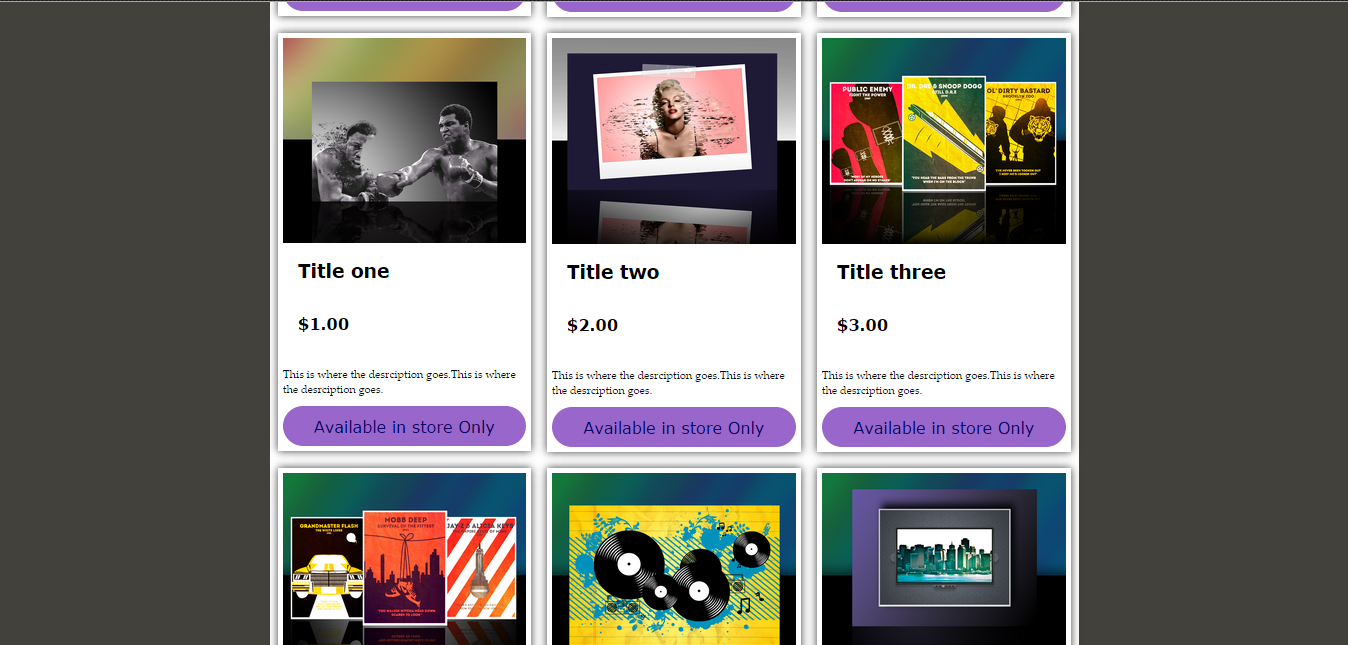
With this website template you build your own online store. Out of the box it’s capable of accepting credit cards, manage orders, customize your storefront and a whole bunch more. Ideal for stores with large inventories, it is designed to make it quick & easy to browse through all the categories and products your store has to offer.
It is impossible to spend money on this site so go ahead and play with/ use and abuse it, that’s what it’s for. I chose sport bikes because one of my favorite things on earth is to ride my GSXR 750r, but you can use this same eCommerce setup to sell anything. Some of the many features on this demo include:
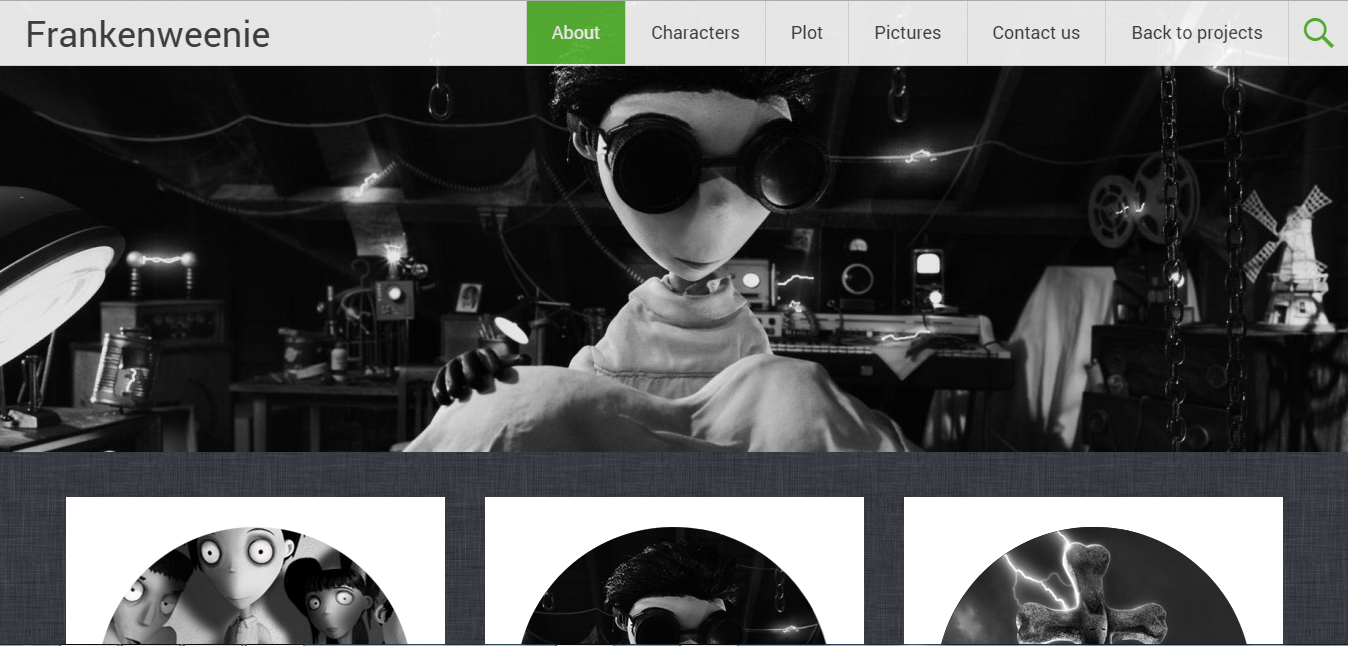

This is a 100% responsive website template that utilizes the movie Frankenweenie as its theme.
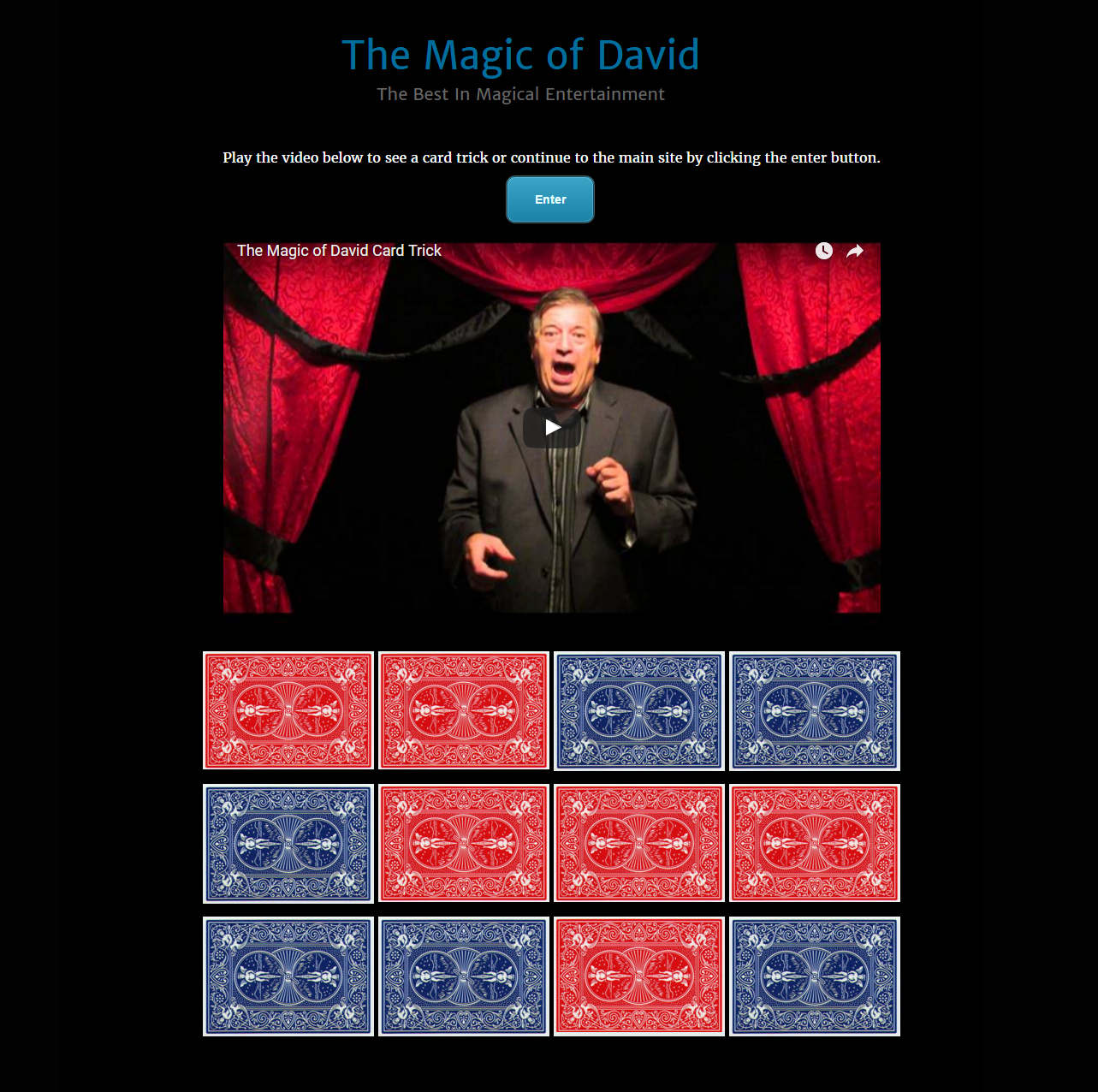

This is a professional magician business website built using WordPress.


